Easy Accounting Software in Nepal: Sajilo Hisab Kitab for Small Businesses
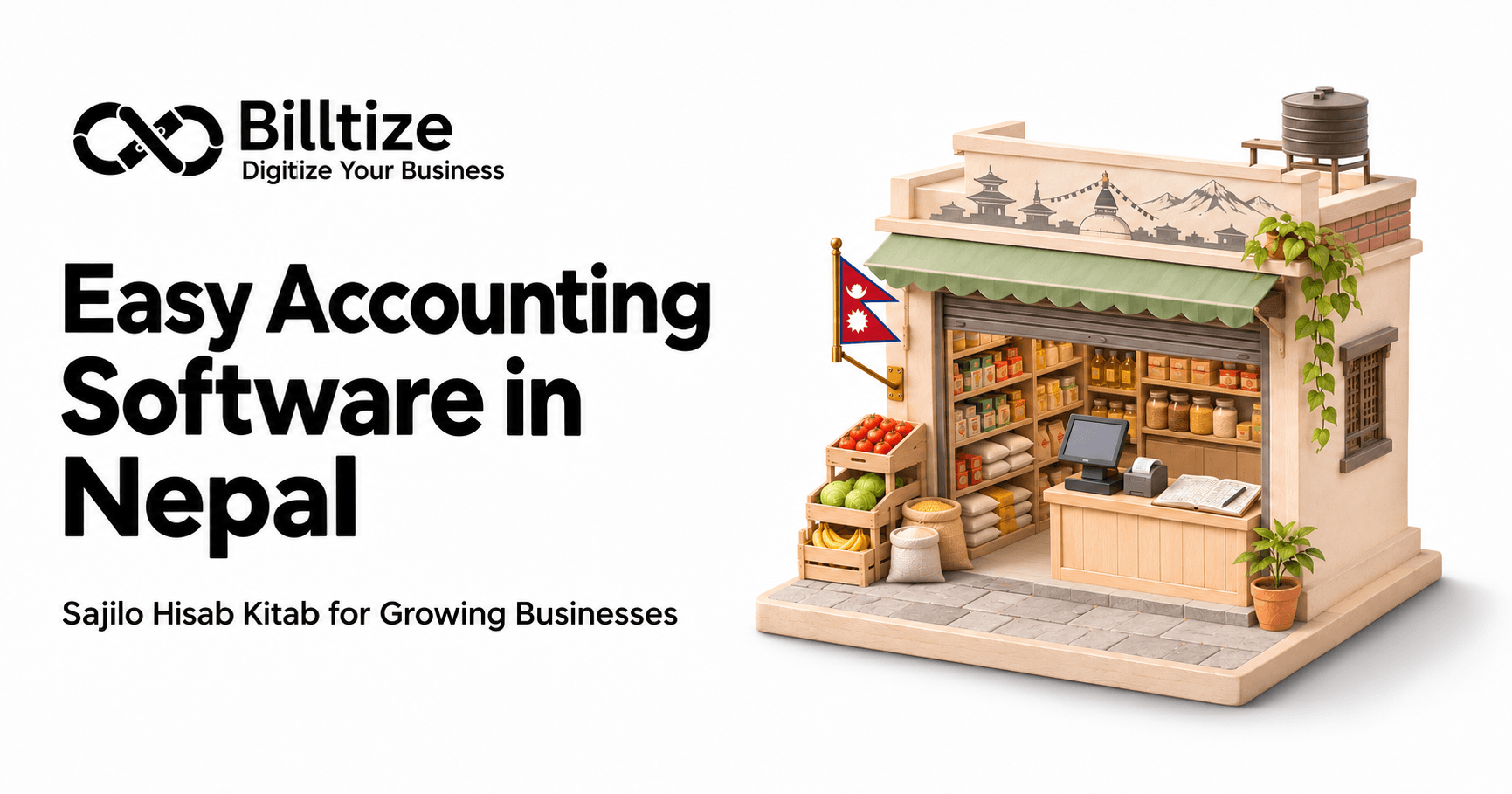
At the end of a busy day, a shop owner might have three things to check: the cash collected, the customers who still owe money, and the products left on the shelves.
It sounds simple. But when sales are written in one notebook, udharo in another, and stock is tracked separately, even a small mistake can take time to find.
A customer says, “I already paid that bill.” Someone forgot to record a purchase. The stock register shows ten pieces, but only seven are on the shelf.
These are the kinds of problems that make everyday accounting difficult for small businesses.
Quick answer: Easy accounting software in Nepal helps business owners keep track of sales, purchases, expenses and customer payments without relying on several disconnected records. For businesses selling physical products, software that connects billing, inventory and accounting can make daily work easier to manage.
That's the idea behind sajilo hisab kitab (सजिलो हिसाब किताब): keeping business accounts clear, understandable and up to date.
What Does Easy Accounting Software Actually Mean?
Easy accounting software isn't necessarily the one with the fewest features or the most attractive dashboard.
It's the one your staff can learn and use correctly.
Imagine a new cashier joining your shop. After some basic training, can they prepare a bill, record a payment and check a customer's outstanding balance? Or does every small task require help from someone who understands accounting?
For a small business comparing simple accounting software in Nepal, that's a better question than asking which system has the longest feature list.

Most shop owners want a few everyday things to work properly:
-
Easy billing: Prepare invoices without entering the same information repeatedly.
-
Clear payment records: Know which customers have paid and who still owes money.
-
Organized stock: Check what's been purchased, sold and left in inventory.
-
Understandable reports: Find sales, expenses and customer balances when needed.
-
Help getting started: Get enough setup assistance and training to use the system correctly.
That last point matters more than many people realize.
Even a simple system can become frustrating if the product list, opening stock or customer balances haven't been entered correctly.
For a shop owner looking for sajilo accounting software, the real benefit is understanding what's happening in the business without spending hours sorting through records.
Do You Need a Digital Khata or Accounting Software?
Not every small business needs a complete accounting system from the beginning.
If you only want to remember how much a few regular customers owe you, a digital khata may be enough.
Some shop owners start by looking for easy billing software in Nepal, but later realize they also need stock records, supplier balances and accounting reports.

Here's how the different options compare:
| Type of software | What it helps manage | Suitable for |
|---|---|---|
| Digital Khata | Customer udharo and collections | Small businesses mainly tracking credit |
| Billing Software | Invoices, sales and payments | Shops and service providers |
| Billing with Inventory | Sales, products and stock quantities | Retail shops, marts and wholesalers |
| Accounting Software | Ledgers, expenses, purchases and financial statements | Businesses needing organized financial records |
| Integrated Business Software | Billing, inventory, accounting and related operations | Businesses managing several activities together |
A digital khata is useful, but it isn't automatically a complete double-entry accounting system.
Similarly, printing an invoice doesn't mean your accounting records and financial statements are ready.
The right choice depends on what you need to record.
For many businesses searching for pasal ko hisab kitab software, the goal isn't to learn complicated accounting. It's to keep everyday transactions organized without losing important information.
A Simple Example: Sales, Customer Udharo and Stock

Suppose you run a grocery shop in Kathmandu.
You start the day with 18 packets of coffee. A customer buys three packets for NPR 900.
They have only NPR 500 with them, so they promise to pay the remaining NPR 400 next week.
Your records should now show:
| Record | Amount or quantity |
|---|---|
| Total sales invoice | NPR 900 |
| Payment received | NPR 500 |
| Customer udharo | NPR 400 |
| Opening stock | 18 packets |
| Quantity sold | 3 packets |
| Remaining stock | 15 packets |
This is a simplified example. Taxes, returns and other stock movements are excluded.
The calculation isn't difficult. Keeping the records accurate is the important part.
When the customer returns and pays NPR 400, the outstanding balance should become zero. The shop shouldn't record another sale because the goods were already sold.
There's another important distinction.
NPR 900 in sales doesn't mean NPR 900 in profit.
The shop has collected NPR 500 and is still owed NPR 400. To calculate profit, the owner must also consider the cost of those coffee packets and other relevant expenses.
A proper accounting system helps keep sales, collections, customer balances and financial results separate.
That's far more useful than a record showing only how much cash came in today.
Can You Use Accounting Software Without Being an Accountant?
Yes. You can learn many everyday accounting tasks without having studied accounting professionally.
Preparing a sales invoice, recording a customer payment, entering a purchase and checking stock are activities that shop owners and employees can learn with proper training.
Beginner-friendly accounting software can make these tasks easier, especially for business owners who have never used an accounting system before.
But software doesn't make accounting rules disappear.
You still need to understand the difference between money received and sales made, between buying stock and recording an expense, and between money customers owe you and money you owe suppliers.
Fortunately, you don't need to understand every accounting concept before starting with routine work.
A practical approach is to let trained employees handle everyday transactions while an accountant or qualified bookkeeper reviews financial statements, reconciliations, adjustments and tax-related matters where necessary.
If these ideas are new, our guides on what accounting means and how double-entry accounting works explain the basics in more detail.
How Billtize Helps With Everyday Hisab Kitab
For a business that wants billing, stock and accounting records in one place, Billtize offers a web-based system designed for Nepali businesses.
Instead of maintaining sales invoices separately from stock and customer-payment records, businesses can manage those activities through connected workflows.

For example, staff can prepare a bill, record a payment and review the customer's outstanding amount. If the business manages products, the related inventory records can also be maintained in the system.
On the accounting side, Billtize includes double-entry accounting, ledgers, journal vouchers and reports such as Trial Balance, Income Statement and Balance Sheet.
It also supports Nepali fiscal years and Bikram Sambat (BS) dates.
But features alone don't make software easy to adopt.
A shop moving from handwritten records may already have hundreds of products, opening stock quantities and customer balances that need to be entered correctly.
Billtize offers a 30-day trial and free implementation assistance, including initial setup for up to 500 products within its published offer's scope.
That can be useful for businesses that need help preparing their product lists and getting familiar with the system.
Still, the best test is to let the people who will use the software try it themselves.
A cashier should test billing and payments. The owner should review sales and outstanding balances. The person responsible for accounts should examine the financial reports.
You can explore Billtize Accounting Software in Nepal or its billing features to understand how these functions work together.
Moving From Notebooks or Excel? Here's Where to Start
You don't need to move every old record into new software on the first day.
Start with the information your business actually uses.
1. Get your existing records ready
Collect your product list, available stock quantities, customer dues, supplier balances and important account information.
It's worth checking those figures before importing them. If the opening records are wrong, the software will simply start with incorrect information.

2. Set up the business properly
Enter the company details, relevant fiscal year, users, payment methods and invoice settings.
If your business operates in Nepal, check the supported BS dates and applicable tax configuration.
3. Try a few real transactions
Start with a normal sale.
Prepare an invoice, record a payment and check what appears in the customer account.
Then try a partial payment, like the coffee example above. If you manage products, confirm that the correct inventory records are updated.
4. Look at the reports
Open the sales report and check whether it matches the transactions you entered.
Look at customer balances and expenses. If the system includes financial statements, ask your accountant to review how those transactions appear in the reports.
5. Train employees for their actual work
A cashier needs to understand billing and payment collection. The owner may need access to reports. An accountant may require different permissions.
Not everyone needs access to every function.
Make sure the people using the system understand their responsibilities before you rely on it for daily operations.
Will Simple Accounting Software Still Be Useful as Your Shop Grows?
A small business rarely stays exactly the same.
A shop may begin with a few products and one employee. Later, it might add another counter, a godown, more staff or regular wholesale customers.

The records become more complicated as the business grows.
You may eventually need stock transfers, supplier statements, financial reports, multiple user accounts or employee attendance and payroll functions.
That doesn't mean you should pay for every available module today.
It means you should understand what your software can support, what requires an additional package and how easily your staff can learn new functions.
For businesses selling physical products, our Inventory Management Software in Nepal page explains the inventory-related features available in Billtize.
And if you're still comparing accounting platforms, the Best Accounting Software in Nepal (2027) buying guide looks at several different options.
Five Things to Check Before Choosing Accounting Software
A polished demonstration can make almost any software look easy.
The better approach is to test a few tasks from your own business.
-
Billing: Can a new employee prepare an invoice after basic training?
-
Customer dues: Can you record a partial payment and find the outstanding balance?
-
Stock: Can you check what remains after a sale?
-
Reports: Can the owner find daily sales and relevant expense information?
-
Support: Will someone help with setup, imports, training and problems after installation?
Also ask whether you can export your records and how backups, permissions and internet connectivity are handled.
The right software should make routine work manageable without compromising the accuracy of your records.
Frequently Asked Questions
What is the easiest accounting software in Nepal?
There isn't one system that's easiest for every business. A small service provider may prefer simple invoicing, while a retail shop may need connected billing, inventory and accounting. The best way to judge ease of use is to test the software with the people who will use it.
What does Sajilo Hisab Kitab mean?
Sajilo Hisab Kitab means simple or easy bookkeeping. For a small business, it usually refers to keeping clear records of sales, purchases, expenses, customer dues and stock.
Can a shopkeeper use accounting software without accounting knowledge?
Yes, routine activities such as billing, recording payments and entering purchases can be learned with proper training. More complex accounting and tax work may still require professional guidance.
Is Excel enough for a small shop?
Excel can work when transactions are limited and records are maintained carefully. As the number of products, customers and transactions grows, connected software may reduce repeated manual entries and make information easier to review.
Can easy accounting software track udharo?
Many accounting and digital khata systems can record credit sales, customer payments and outstanding balances. Make sure the system can apply later payments against the correct transactions.
Does easy accounting software include billing and inventory?
Some products include both, while others only handle accounting or customer credit. Check the exact package and test whether billing and stock records are connected.
Does accounting software automatically make my business tax-compliant?
No. Software can help maintain records, but correct tax treatment and compliance with applicable requirements remain the business's responsibility. For electronic-billing requirements, refer to the Inland Revenue Department.
Final Thoughts
Keeping business accounts doesn't have to mean spending hours going through notebooks and calculating balances.
For a very small business, a simple khata may be enough. For a shop handling regular sales, purchases, stock and customer credit, connected software can make the records easier to manage.
What matters most is that your staff can use the system correctly, the information stays reliable, and you can find the figures you need when making business decisions.
If you're exploring accounting, billing and inventory in one system, you can review Billtize's accounting features or request a demonstration using your own business examples.