
Daraz Integration for Nepali Sellers: How to Sync Stock, Orders & IRD Billing Automatically
Selling on Daraz in Nepal: Keep Stock, Invoices and Payouts in One Place
You sell the last two units of an item at the counter. Before anyone opens Seller Center to fix the count, an online buyer orders the same SKU. Now you cancel, and you take the hit on your seller performance.
That’s the visible problem. The quiet ones show up later. During campaign week, with 200-plus orders a day, someone is copying names and line items from Daraz into the accounting software at night so tax bills can be printed. And when the weekly payout lands in your bank account, it doesn’t match your sales, because commission, shipping and returns have already come out.
None of this is a problem when you ship two parcels a day. It becomes one when you also run a shop or a godown, or when volume jumps. This guide covers how Billtize handles stock, orders, returns and payouts so they stay consistent.
Why manual management breaks as you grow
Updating Seller Center by hand works at small scale. Past that point, four things go wrong. Stock drifts. You edit quantities in two places, there’s always a delay, and flash sales find the gap. Returns pile up too. Returned parcels and failed deliveries sit in a corner of the warehouse and never go back into sellable stock, or the original VAT invoice is never reversed with a credit note. Dates cause friction as well. VAT registers (Schedule 5 and 6) and Annex 13 run on BS months, so someone converts. And margins stay hidden. If you don’t account for landed cost, packaging and Daraz’s category commission per SKU, high order volume can hide a loss.
On cancellations, I’d keep the claim modest: they count against your seller performance on Daraz.
Stock: one number for the shop and Daraz
Billtize acts as the central stock record for the counter, the godowns and the Daraz catalogue. You link your Daraz SKUs to your master product catalogue and choose which warehouse fulfils online orders. Batch and expiry tracking (FIFO or FEFO) works the same as for counter stock.
The sync runs both ways, as the draft describes it. A counter sale deducts stock and updates what’s available on Daraz. An incoming Daraz order reserves or deducts stock straight away, so a cashier can’t sell what’s already promised to an online buyer. Low-stock alerts warn you before a best seller runs out ahead of a campaign.
Invoicing and IRD
Every Daraz sale still needs a proper tax invoice, in sequence, in BS dates. In Billtize, an imported order converts into an invoice without retyping item names, quantities or prices. It handles 13% VAT and seller discounts so totals match what the customer paid, to the paisa. Approved invoices and credit notes go to the IRD’s CBMS for businesses under that mandate, and each sale feeds the Sales Register (Schedule 6), the VAT return summary and Annex 13.
Returns
This is where online selling gets messy. A customer returns a delivered order after the VAT bill is already out. In Billtize, you issue a linked credit note (फिर्ता बीजक). It reverses the receivable, adjusts 13% VAT, syncs with CBMS, and puts the item back into sellable or damaged stock. Do it every time. A return that never reaches the VAT books becomes a mismatch later.
Payouts and commission
When Daraz pays out, it deducts commission, shipping, payment fees and return adjustments. What you receive isn’t what you invoiced.
As the draft describes it, Billtize records the full invoice value in sales and 13% VAT Payable, then accounts for commission, shipping deductions and processing fees as expenses. Pending marketplace receivables are tracked separately from settled bank deposits, so you can see what Daraz still owes you for each cycle.
Setting it up
- Open Organization Settings in Billtize: Sign in to your Billtize account and go to Configuration → Organization Settings.
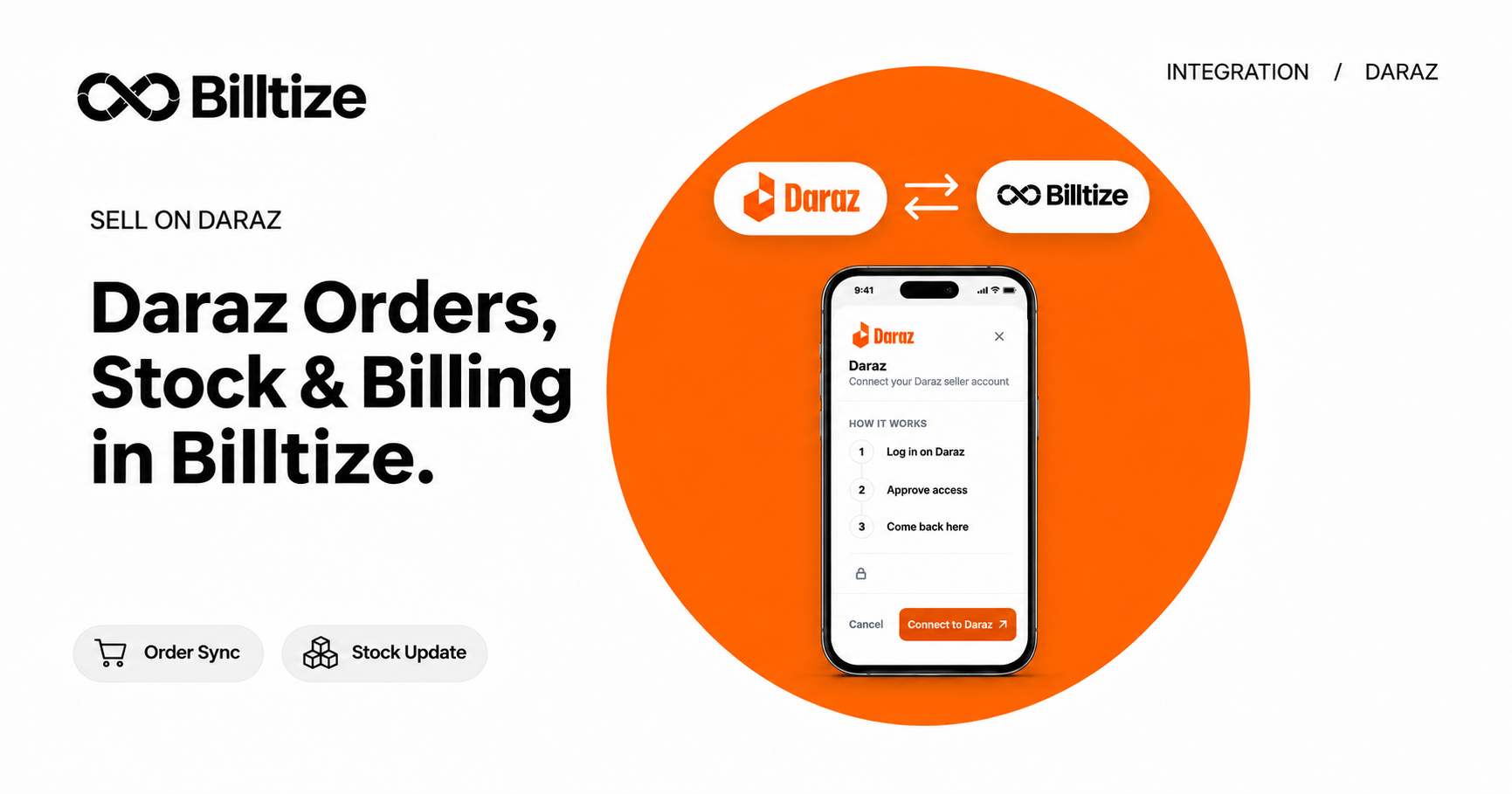
- Authorize Your Daraz Seller Account Click Connect Daraz Account. You will be redirected to the official Daraz Seller Login / Authorization page. Sign in with your Daraz Seller credentials and grant permission.
- Sync & Map Your Products Import your Daraz catalog or match your existing Daraz listings to your Billtize inventory items so both platforms track the same stock.
- Enable Order & Stock Sync Turn on Automatic Stock Sync and Order Import. From now on:
- New Daraz orders (including buyer name, phone number, delivery address, and items) are imported into Billtize automatically.
- Any sale at your shop counter or on Daraz updates stock levels across both platforms to prevent overselling.
Manual vs Billtize
| Manual Seller Center + Excel | Billtize | |
|---|---|---|
| Stock across channels | Edited by hand, overselling risk | Shared stock figure |
| Order invoicing | Retyped to print tax bills | Converted from the order |
| Dates | AD converted to BS | BS across invoices and ledgers |
| IRD and VAT books | Manual uploads, Excel merging | CBMS sync, Schedule 6 and Annex 13 |
| Returns | Often missed in stock and VAT | Credit note restores stock, adjusts VAT |
| Payouts | Net deposits don’t match sales | Gross sales, fees and net payout tracked |
| Team access | Per-PC licences | Unlimited users with roles |
Quick answers
How does it stop overselling? The shop and Daraz share one live stock record, so a counter sale or a Daraz order updates available stock for both.
Can I issue BS-dated invoices for Daraz orders? Yes. Invoices are sequential, in BS dates, with 13% VAT calculated, and sync to CBMS.
What about returns after the VAT bill? Issue a linked credit note. It adjusts the Sales Book, reverses the VAT, updates CBMS and restores stock.
Can my packers and my CA use it together? Yes. Unlimited users with role-based permissions: the warehouse sees orders and stock, the accountant sees ledgers, payout reconciliation and Annex 13.