Generate VAT Registers & Annex 13 Reports Automatically in Nepal
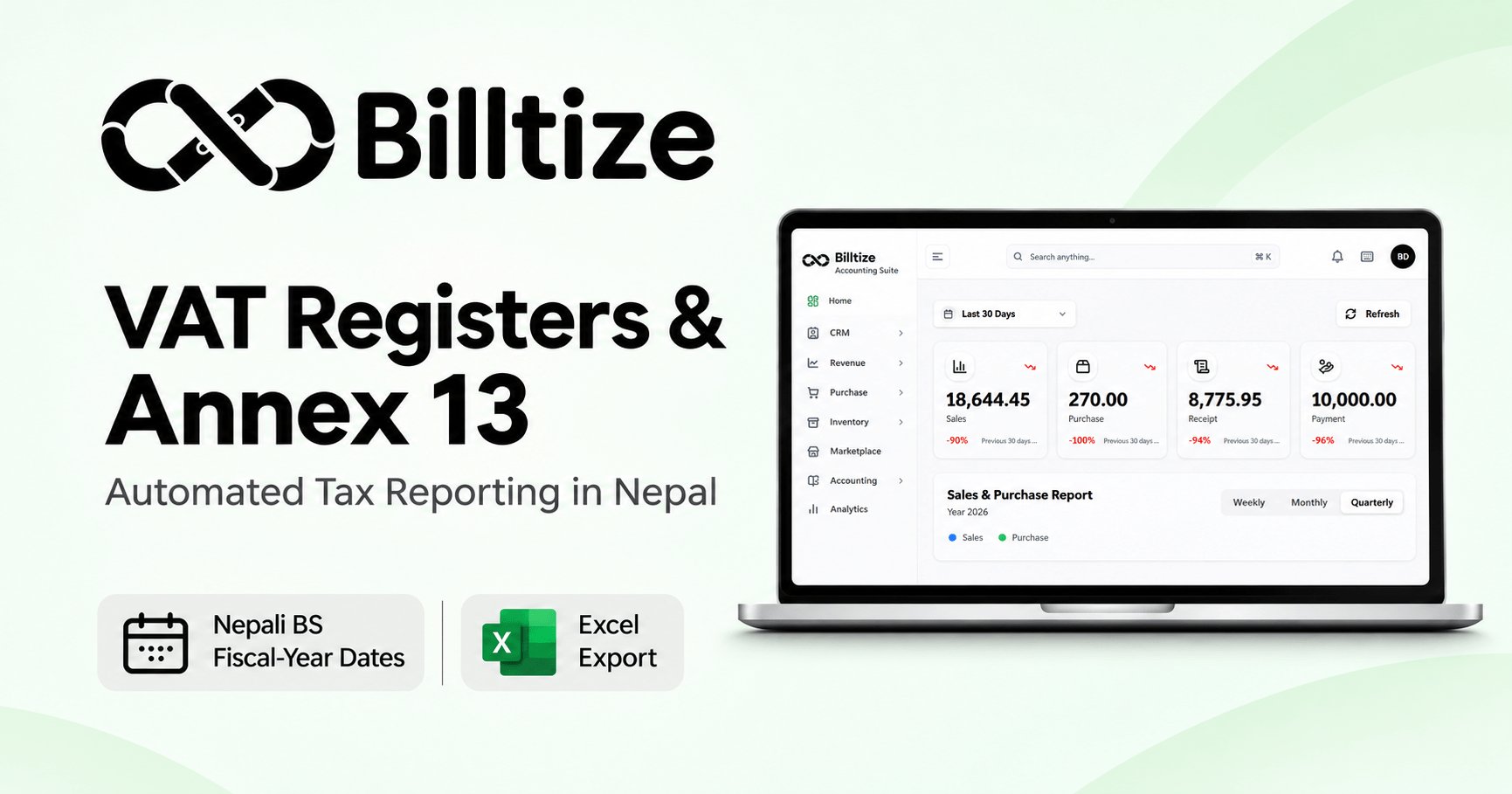
How to Generate VAT Registers and Annex 13 in Nepali Dates (BS) with Billtize
Ask any accountant in Nepal what the last week of the month feels like. Butwal, Pokhara, Kathmandu, Birgunj, it makes no difference. Invoices are scattered across three files, someone’s out sick, and the VAT return is due on the 25th.
The paperwork itself isn’t complicated. The IRD wants a Sales Book (Schedule 6, अनुसूची ६), a Purchase Book (Schedule 5, अनुसूची ५), the VAT Return (Schedule 7, अनुसूची ७) and Annex 13 (अनुसूची १३). Getting those four out of messy data is the hard part.
What the books actually need
Under the VAT Act, 2052 and VAT Rules, 2053, the Sales Book is every sale, one row each: BS date, invoice number, customer name and PAN, total value, then the split into exempt sales, taxable sales, exports and the 13% VAT collected.
The Purchase Book is the same idea in reverse, with one extra detail. Imports carry a Pragyapanpatra number instead of a supplier invoice number. Capital purchases are listed here too. Since your input credit depends on this book, it’s worth being strict about it.
Annex 13 is the odd one out. No invoices, just one line per party with their PAN, what you bought from them, what you sold to them, the VAT on each side and a closing balance.
The IRD uses it to compare notes. Your sales to Party A are checked against Party A’s purchases from you. If the numbers differ because of a typo in the PAN or an invoice dated a month apart, you get a question you didn’t want.
Where the old tools fall down
Xero, Zoho and QuickBooks think in AD. Nepal’s tax months don’t line up with that, so someone converts every date, and one formula that’s off by a day puts an invoice in the wrong period. Tally and BUSY manage better, though usually with a plugin or a workaround you maintain yourself.
Annex 13 is the real time sink. Recording transactions is easy, but collapsing thousands of rows into one sheet grouped by PAN is, in most setups, a manual job that gets saved for year-end.
CBMS is the third. If you’re above the e-billing threshold, invoices must reach the IRD’s Central Billing Monitoring System. Offline software does this through third-party connectors, and they tend to break at the worst time.
How it works in Billtize
Everything runs on BS dates and Nepali fiscal years (2081/82, 2082/83 and so on), so nothing gets converted. When someone saves a sale or a purchase bill, it lands in the right book straight away, and by the 20th there’s nothing left to compile. Approved invoices and credit notes go to the IRD through the CBMS API, and if the connection drops it retries by itself.
To set it up:
- Go to Settings > Company Profile > Fiscal Year and pick the current year. Add your 9-digit PAN and CBMS details, then set the default tax rule to Nepal VAT 13% under Tax Settings.
- Enter transactions as normal. For sales to VAT-registered customers, add the PAN and Billtize checks its format. For purchases, enter the vendor’s bill number, BS date and PAN. Input VAT goes to the VAT Receivable ledger automatically.
- For the Sales Book, open Reports > Tax & Compliance > Sales Register (Schedule 6), choose a BS month like Mangsir 2081 or a custom range, and export to Excel or PDF.
- The Purchase Register (Schedule 5) is in the same menu. Before exporting, compare total purchase VAT with your VAT Receivable account. If they don’t match, an entry is wrong, and today is the cheapest day to find it.
- For Annex 13, go to Annex 13 (Party Summary), choose the full year or a BS quarter and generate it. Parties are grouped by PAN, and anything with a missing PAN or an unregistered party is flagged so you can fix it before filing. Download the Excel file for the e-Filing portal.
Quick comparison
| Excel | Tally / BUSY | Billtize | |
|---|---|---|---|
| BS dates | Convert by hand | Plugins or workarounds | Built in |
| Sales/Purchase Books | Hours of entry | Partly automatic | Live, IRD format |
| Annex 13 | Pivot tables, days | Slow manual grouping | One click, by PAN |
| CBMS | None | Third-party tools | Direct, auto-retry |
| Team access | File-locking | Local network, per-machine license | Cloud, multiple users |
Four habits worth keeping
Get the PAN on every invoice above the threshold.
The IRD requires it, and Billtize won’t save the invoice without it.
Reconcile on the 20th. Five days gives you room to handle credit and debit notes without rushing.
Open the CBMS dashboard once a day. If the IRD server was down, press retry and move on.
Habits That Keep You Audit-Ready
These apply whatever software you use, though Billtize makes a couple of them automatic.
Get the PAN on high-value invoices. The IRD requires the customer’s PAN once an invoice crosses the set threshold. In Billtize you can’t save the invoice without it, so the gap gets caught at the counter instead of during an audit.
Reconcile on the 20th, not the 25th. Pull the Sales Book, Purchase Book and VAT Summary five days before the deadline. That’s enough time to sort out credit and debit notes without anyone working late.
Look at the CBMS dashboard every day. It takes ten seconds. If the IRD server was down overnight, press retry and check that nothing is stuck in the queue.
Use credit notes for returns. When a customer sends goods back, leave the original invoice alone. Issue an approved credit note in Billtize, and the adjustment shows up in both Schedule 6 and Annex 13. Your audit trail stays intact.
FAQs
What is Annex 13 in Nepal VAT filing?
It’s a schedule that summarizes your sales and purchases by party over a fiscal period. Each party gets one line with its name, PAN, total transaction amount, taxable turnover, exempt supplies, and the VAT collected or paid. You’ll need it for annual income tax returns and IRD audits.
Does Billtize support BS fiscal years?
Yes. It handles the Bikram Sambat calendar, including leap years and months of different lengths, and the standard Shrawan-to-Ashadh fiscal year. You can filter and print invoices, vouchers, registers and financial statements by BS date.
Is Billtize integrated with IRD CBMS?
Yes. Invoices created in Billtize are certified and sent to the IRD’s servers automatically.
Can I export Annex 13 and VAT records to Excel?
Yes. The Sales and Purchase Registers (Schedules 5 and 6), the VAT Return Summary and Annex 13 all download as .xlsx or PDF, with standard IRD column headers.
Can my auditor or Chartered Accountant get access?
Yes. Plans with unlimited users include role-based permissions, so you can give your CA or tax consultant read-only or auditor access. They can review your books remotely, and you stop emailing spreadsheets back and forth.
Make the 25th a Non-Event
VAT filing shouldn’t swallow your month. When the registers and Annex 13 build themselves in BS as your team works, the 25th turns into a quick review instead of a scramble. You also spend a lot less time worrying about IRD penalties.